TukioConnect.
Mobile app · Team communication
TukioConnect’s mobile presentation combines conversations, contact discovery, profile information, and call interfaces.
Keep the team conversation close.
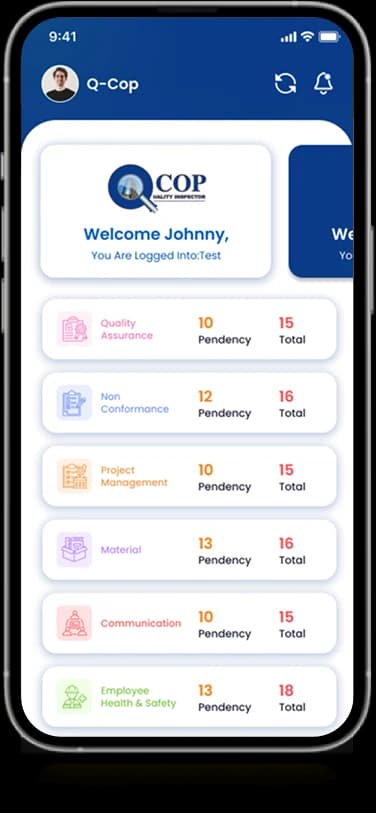
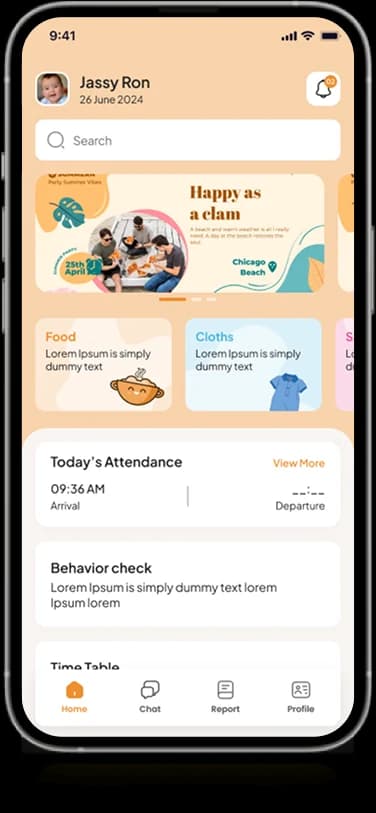
The mobile TukioConnect designs focus on communication inside a people-oriented workspace. Conversation views sit alongside contact and profile screens, with a call interface included in the original artwork. These mobile layouts complement the organization-management view shown in the web portfolio.
What it does
A team communication experience with people lists, conversation entry points, profile context, and an original call interface.
Conversation views
Message bubbles and conversation controls organize written exchanges.
Contact discovery
People and their profiles appear in dedicated directory views.
Call interface
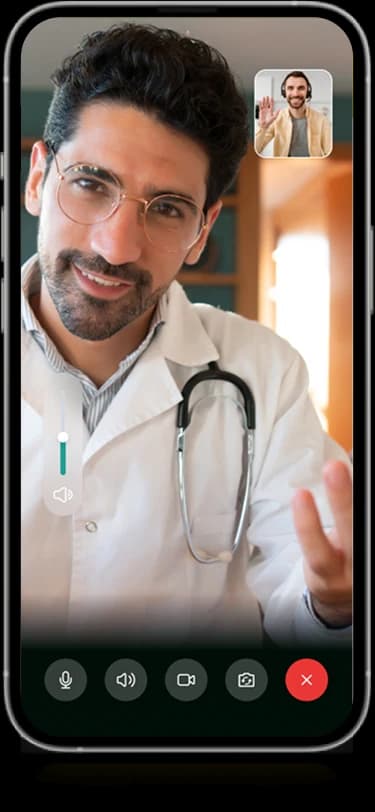
The supplied artwork includes a screen for a person-to-person call.
Profile information
A personal profile area introduces identity and account details.
How people use it
The mobile presentation moves from finding a conversation to the person and communication view associated with it.
- 01
Find a conversation
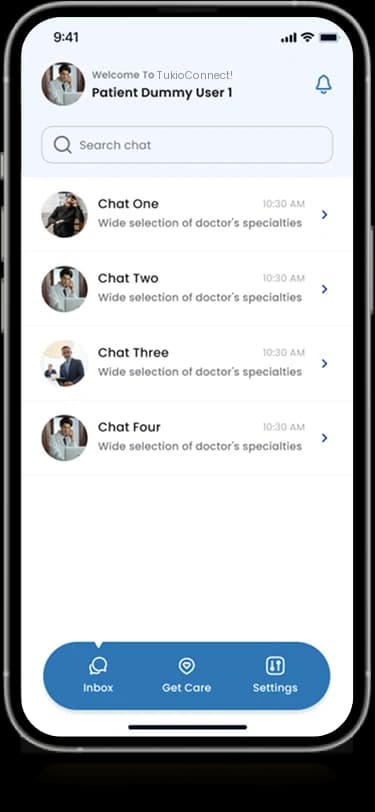
A portrait-led list groups people and short conversation information within the main workspace.
- 02
Choose a contact
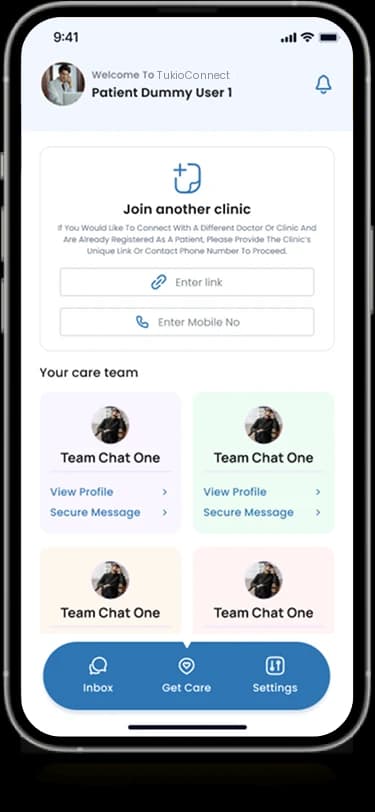
People and profile-oriented views provide context for the person at the other end of an exchange.
- 03
Open a communication view
The supplied compositions include conversation areas and a dedicated person-to-person call screen.
Keep the person visible behind the conversation.
Communication tools need to connect lists, identities, and focused exchanges. TukioConnect uses avatars and a stable blue navigation area to keep these views recognizably related on mobile.
People-led lists
Portraits and compact information make each conversation visually identifiable.
A stable navigation area
The blue mobile navigation remains a consistent destination marker beneath the content.
A focused call surface
The call screen gives the participant image priority and groups controls near the lower edge.
How it's put together
Design direction
Blue provides continuity with the web product, while white message surfaces make conversation content the focus. Rounded avatars and a compact navigation bar support a familiar people-first hierarchy across the supplied screens.
Technical perspective
People, conversations, and call states.
The designs show separate conversation-list, contact, profile, and call interfaces. They document the product's visible communication structure without disclosing transport protocols, encryption, message delivery behavior, or a calling provider.
Inside TukioConnect
Select any screen for a closer look.
Planning something similar?
Connecting a team on mobile? Let's keep people and their conversations within a consistent, focused experience.
Get a free consultation
Tell us what you need. A senior engineer replies within one working day.