Pace of Play.
Mobile app · Golf & course activity
A golf application presentation combining course maps, pace indicators, score information, and round details.
See the round in its course context.
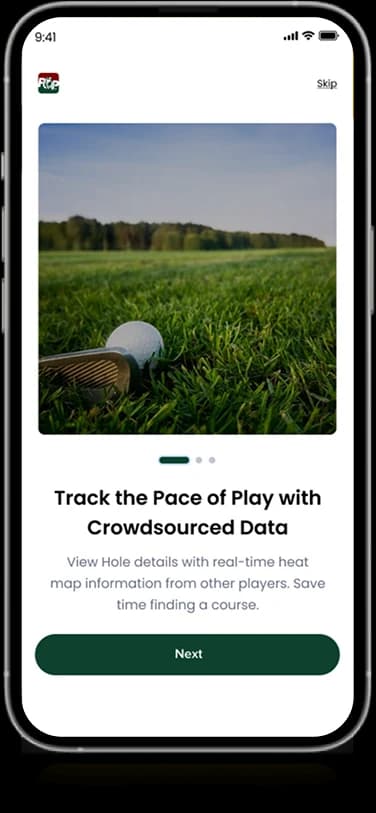
Pace of Play’s artwork describes tracking play with crowdsourced information. The supplied screens pair aerial golf-course views with a pace gauge and detailed round information. A scorecard-style interface adds a more structured view to the map-led presentation.
What it does
A golf-focused presentation with course discovery, map-led views, round information, and visible pace-related indicators.
Course maps
Aerial course views establish the geographical context.
Pace indicator
A gauge visualizes the displayed pace information.
Round details
Dedicated panels organize information about the round.
Scorecard layout
A structured grid presents hole-by-hole information.
How people use it
The original screens put course selection before a more detailed view of the round and its geographical setting.
- 01
Find a course
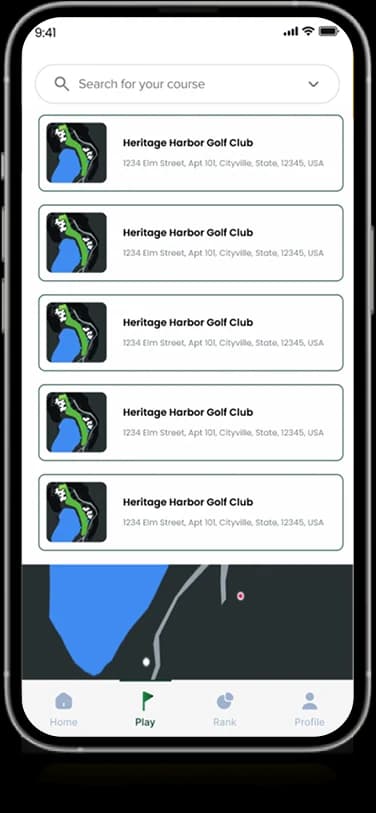
Search-oriented lists pair course names with small map previews in the supplied discovery screen.
- 02
Open the course view
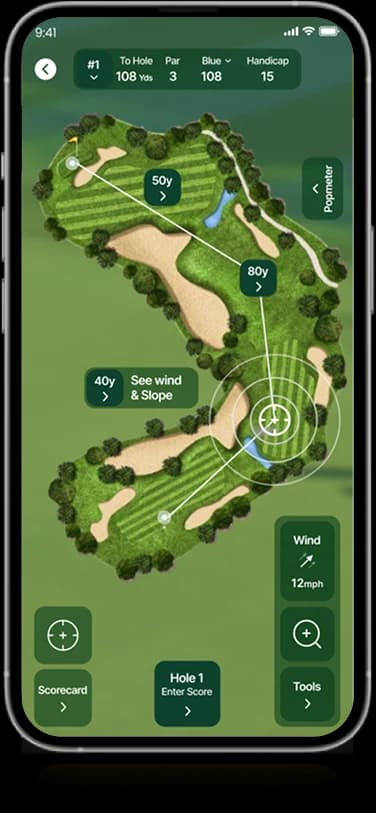
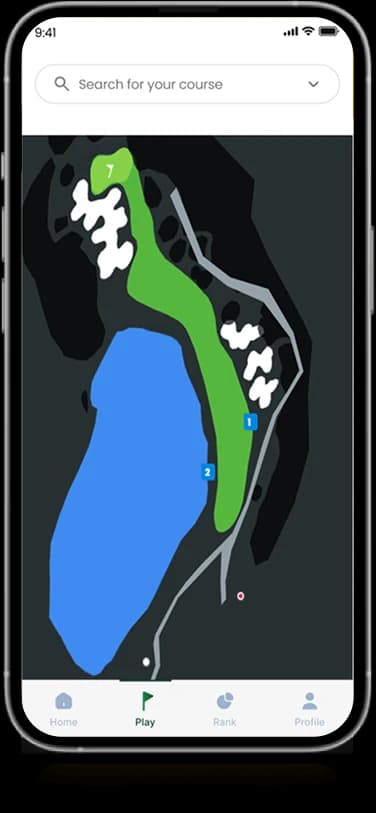
A larger map presents the course shape and the displayed location information together.
- 03
Review the round context
Course and round controls provide supporting information around the main geographical view.
Keep course context central to the round.
Golf information is easier to interpret when its location remains visible. Pace of Play prioritizes the course map and uses smaller panels to support the spatial information rather than replace it.
Course discovery with previews
Small map images connect a list entry with the place it represents.
A map-led working view
The larger course surface establishes geography as the main content.
Supporting round controls
Compact information and navigation occupy the edges of the course view.
How it's put together
Design direction
Deep green connects the interface to the course setting. Large map surfaces establish context, while a multicolored gauge creates a strong focal point for pace information. White score panels make dense round details easier to scan.
Technical perspective
Geographic context and round information.
The artwork establishes course lists, map screens, round details, and pace-oriented graphics. It does not establish a mapping provider, GPS accuracy, crowdsourced-data validation, or live pace calculations, none of which can be verified from screenshots.
Inside Pace of Play
Select any screen for a closer look.
Planning something similar?
Designing a location-aware sports product? Let's connect the map with the information that matters during use.
Get a free consultation
Tell us what you need. A senior engineer replies within one working day.