Case Management ASE.
Mobile app · Case operations
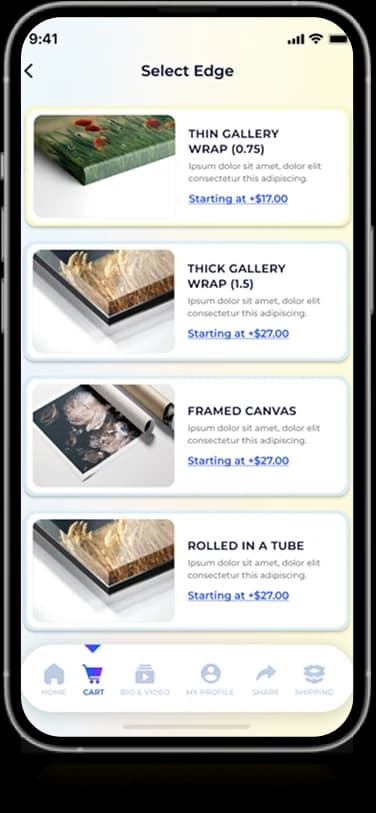
A case-management mobile interface with dashboard modules, case records, and detailed information screens.
Keep each case within reach.
Case Management ASE’s artwork presents a branded workspace for organizing cases. A home dashboard introduces the available areas, while case-detail screens use labeled information and status treatments. The source presentation identifies ASE, but does not establish a separate client brief or delivery outcome.
What it does
A branded case workspace with compact record cards, colored status markers, dashboard entry points, and account screens.
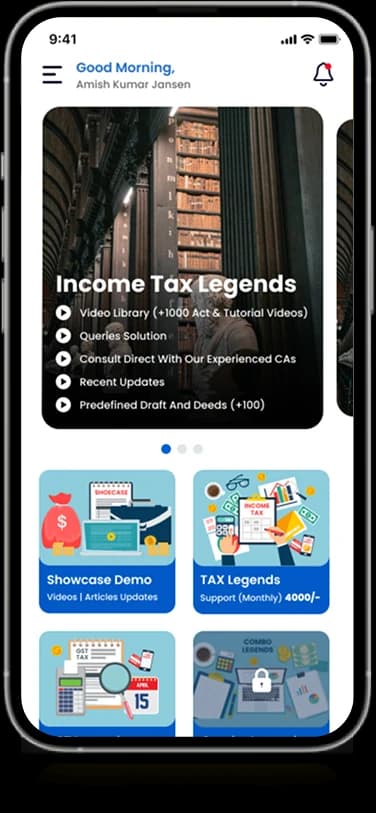
Case dashboard
Icon-led modules introduce the main workspace areas.
Case information
Dedicated screens arrange details for an individual case.
Status labels
Colored markers distinguish states within the interface.
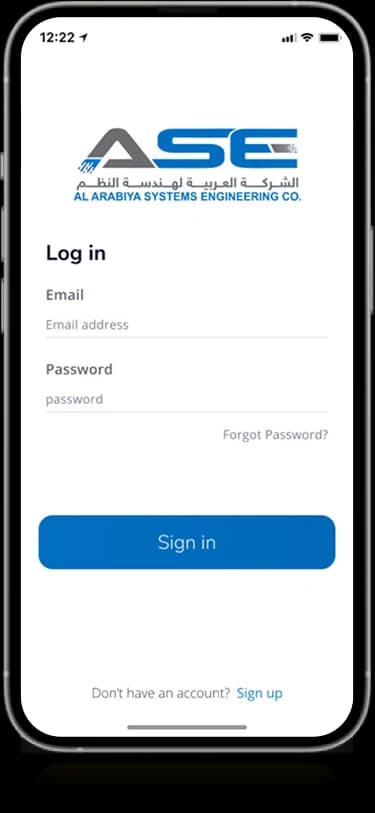
Account introduction
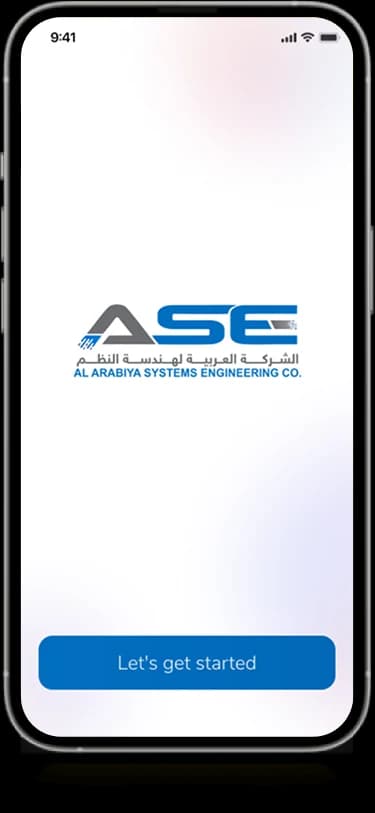
A branded welcome screen provides a clear starting point.
How people use it
The ASE presentation connects an introductory account journey with a record-oriented view of cases.
- 01
Enter the ASE workspace
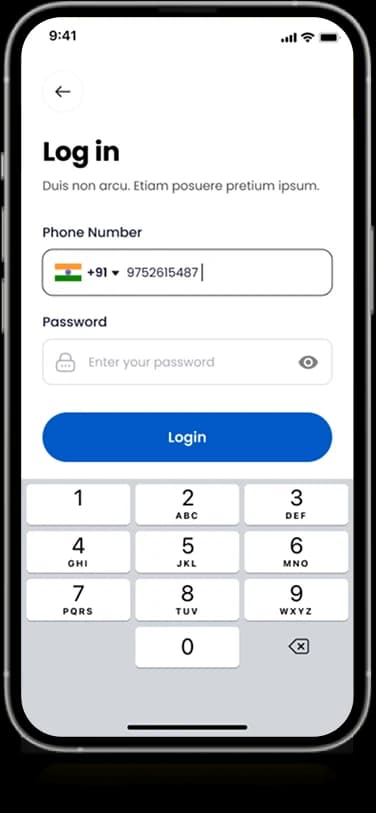
The welcome and sign-in screens introduce the organization identity before the case information.
- 02
Review the case list
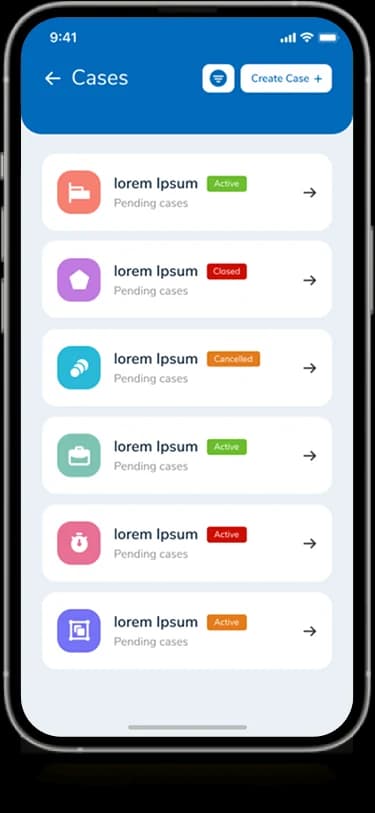
Repeated cards group the case entries into a consistent vertical layout.
- 03
Inspect the visible status
Color-coded labels distinguish information within the individual case cards and detail-oriented views.
Keep case information compact without losing structure.
A small screen needs a clear distinction between record identity and status. The ASE interface uses repeated card boundaries and colored markers to give the case list a predictable visual rhythm.
Repeated case cards
A consistent row pattern gives multiple records the same reading structure.
Status with contrast
Small color labels distinguish record states from the surrounding descriptive information.
A recognizable entry
ASE branding carries from the introductory screens into the working interface.
How it's put together
Design direction
A strong blue brand frame gives way to white information panels. Dashboard icons provide short entry points, while compact case rows and contrasting status labels support the more detailed operational screens.
Technical perspective
Case records and status presentation.
The supplied designs show account entry, dashboard areas, case lists, and labeled record information. They do not disclose workflow rules, case assignment logic, access controls, or integration with an external case-management system.
Inside Case Management ASE
Select any screen for a closer look.
Planning something similar?
Designing a case-oriented workspace? Let's make record identity, status, and detail easier to distinguish.
Get a free consultation
Tell us what you need. A senior engineer replies within one working day.