HabitStride.
Mobile app · Habits & routines
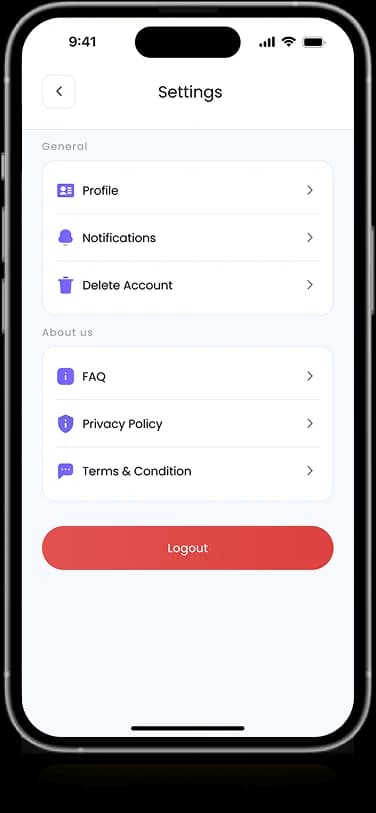
A habit-tracking interface with routine lists, calendar context, and a visual progress overview.
Make daily progress visible.
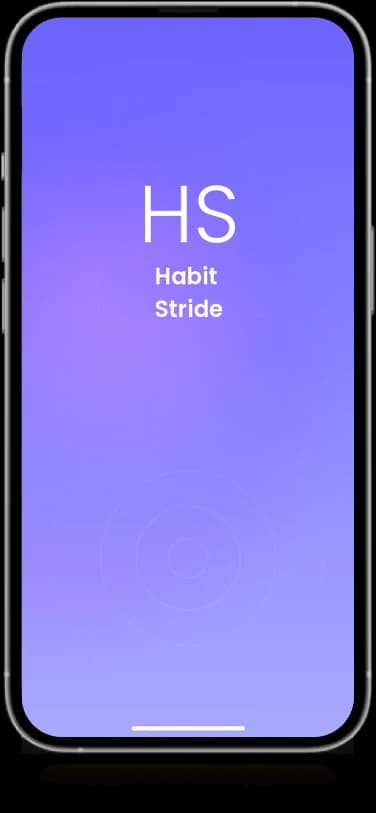
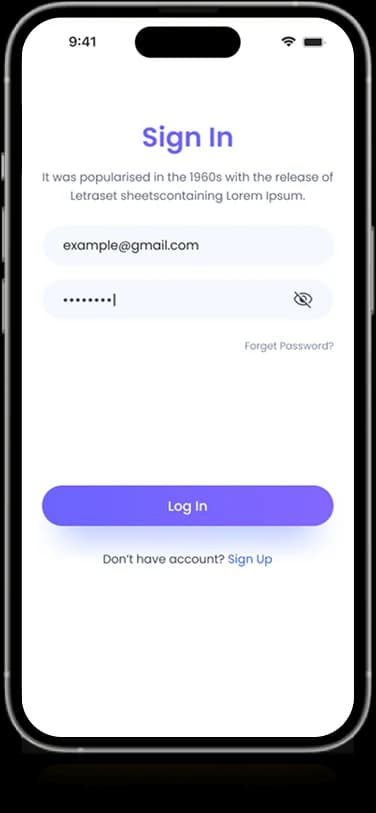
HabitStride’s mobile presentation connects daily routines with a calendar and progress-focused dashboard. The supplied screens include an introductory view, account entry, and a personalized home screen. Routine items and summary graphics make the habit-oriented purpose visible in the interface itself.
What it does
A routine-focused interface combining habit creation, repetition choices, daily context, and a recognizable purple visual system.
Routine list
Daily activities appear as individual items in the home interface.
Calendar context
A compact date view connects routines to the current period.
Progress graphic
A circular visualization summarizes the displayed activity.
Onboarding screens
Introductory and sign-in layouts establish the account journey.
How people use it
The supplied artwork connects the introduction and account experience with the definition and presentation of daily habits.
- 01
Start with the account
Introductory and sign-in layouts provide a consistent entry into the habit-oriented experience.
- 02
Define a routine
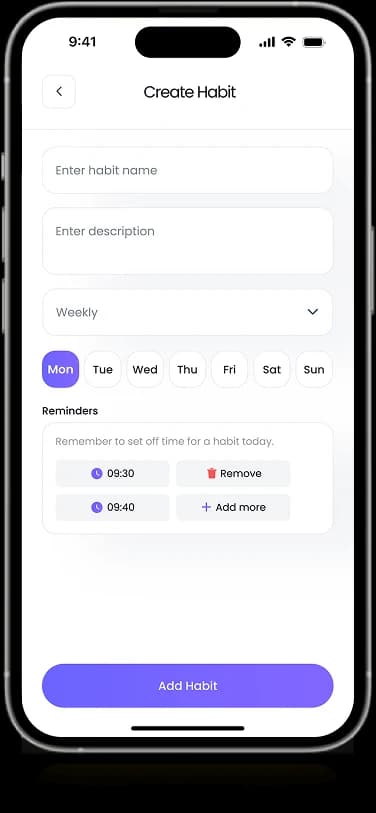
The create-habit screen groups a name, description, repetition choices, and reminder-oriented controls.
- 03
Review daily activity
The original composition places routines alongside calendar context and a visual progress summary.
Make a repeated activity easy to understand.
A habit involves both an action and a recurring time context. The interface brings the routine description, schedule choices, and daily overview into a consistent visual language.
A contained creation form
Related habit details appear in one focused screen rather than separate competing views.
Visible repetition choices
Day-based controls explain the recurring nature of the activity in the interface.
A distinct progress surface
Circular graphics provide a visual counterpoint to the more detailed routine information.
How it's put together
Design direction
Purple gradients and soft white cards give the product a distinct identity. Circular progress graphics provide contrast to the linear routine list, while compact date controls keep time and daily activity close together.
Technical perspective
Routine definitions and daily views.
The visible interface distinguishes habit configuration from the overview of displayed activity. It does not establish reminder delivery, background scheduling, synchronization, or measured adherence, all of which would require implementation evidence beyond the artwork.
Inside HabitStride
Select any screen for a closer look.
Planning something similar?
Creating an everyday routine product? Let's make repeated actions and their time context feel clear.
Get a free consultation
Tell us what you need. A senior engineer replies within one working day.