EscapeTheHOA.
Mobile app · Property discovery
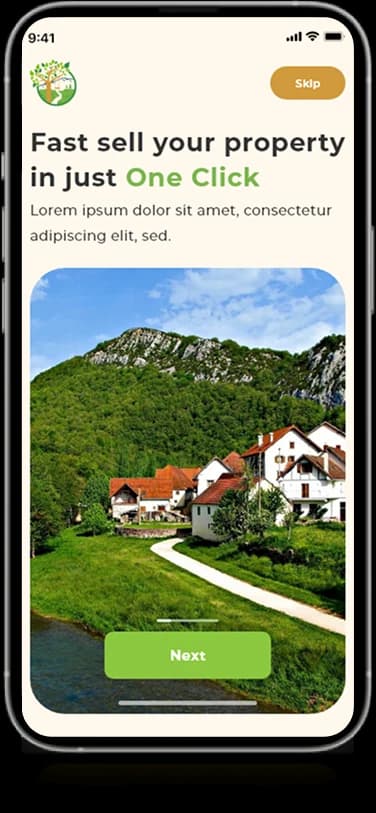
A property-discovery app presenting home listings, location information, photos, and saved-interest controls.
Let the property lead the search.
EscapeTheHOA’s supplied mobile screens organize property discovery around large home photographs and listing details. Location information, search controls, and favorite-style actions appear in the artwork. The presentation documents these visible browsing patterns without making claims about transactions or property availability.
What it does
A property-oriented app presentation combining map discovery, listing photography, location context, and detailed property information.
Property cards
Home photography introduces individual listings.
Location context
Place information appears alongside property details.
Search controls
Compact controls support browsing the listing interface.
Interest actions
Heart-style controls appear on the supplied property cards.
How people use it
The available layouts connect a geographical overview with the closer information view of an individual property.
- 01
Explore the map
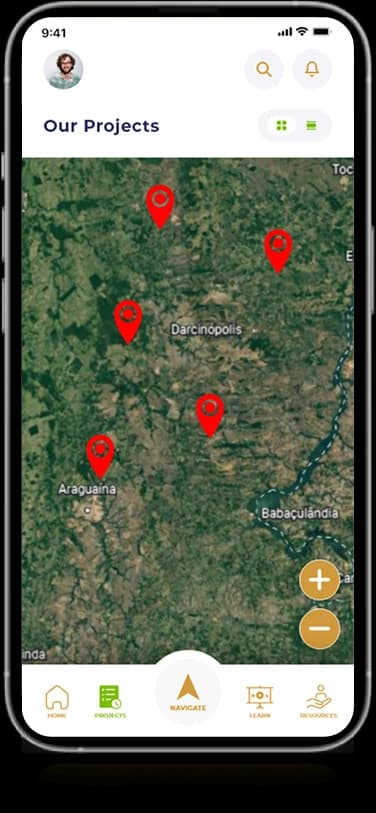
A map-based screen places multiple property markers within a shared geographical view.
- 02
Inspect a property
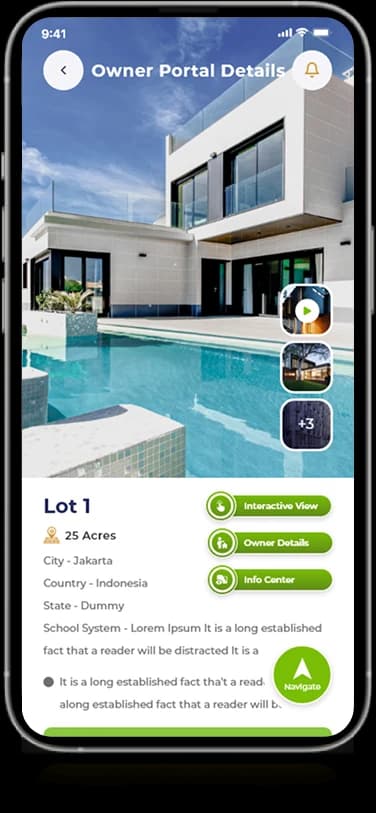
Large listing photographs introduce the selected home before the more detailed information.
- 03
Review the details
Compact property facts and supporting controls occupy a dedicated panel beneath the main imagery.
Connect where a property is with what it offers.
Location and listing detail answer different browsing questions. EscapeTheHOA gives the map and the individual property their own surfaces while retaining the same green visual identity.
Location before detail
Map markers establish the geographical relationship between the displayed properties.
Photography with priority
The listing view gives the home itself a strong visual introduction.
Facts in a separate panel
Grouped labels keep the smaller property details readable beside the larger imagery.
How it's put together
Design direction
Leaf green accents connect the brand to an illustrated tree identity. Large photo cards lead the content, while small category controls and light information panels create a quieter frame around each listing.
Technical perspective
Map discovery and property-detail views.
The screen structure distinguishes geographical browsing, property cards, and individual listing information. Recurring green accents and compact navigation connect those states without requiring the map and the detail view to use the same content density.
Inside EscapeTheHOA
Select any screen for a closer look.
Planning something similar?
Designing property discovery? Let's connect geographical context with a closer, more useful listing experience.
Get a free consultation
Tell us what you need. A senior engineer replies within one working day.