Meravyaah.
Mobile app · Matrimony & profiles
A matrimony-themed mobile experience with member profiles, discovery cards, and personalized account screens.
A personal beginning to a shared journey.
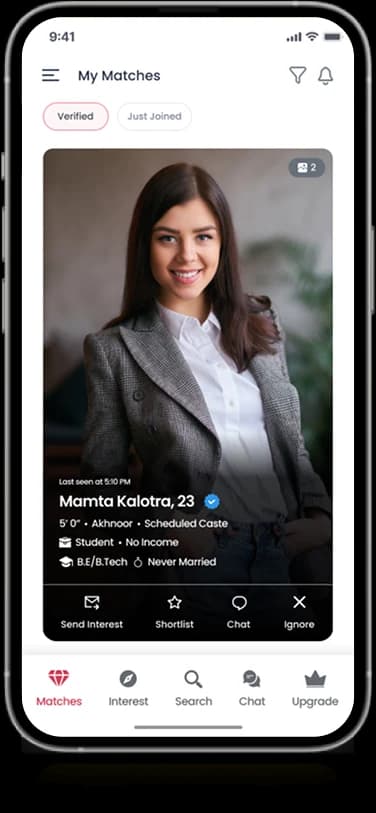
Meravyaah’s supplied designs introduce a soulmate-oriented product through member photographs and profile information. Discovery cards, a personal profile, and promotional entry screens appear in the artwork. This presentation follows the visible interface rather than inferring matching methods or relationship outcomes.
What it does
A matrimony-themed presentation with member discovery, profile filters, personal information, and conversation-oriented screens.
Member discovery
Image-led cards introduce the browsing experience.
Personal profile
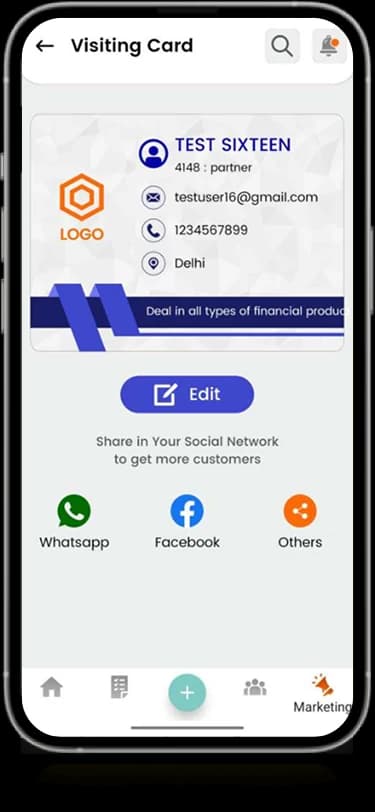
A dedicated area presents the member’s own information.
Profile content
Photos and short details form the central content pattern.
Account introduction
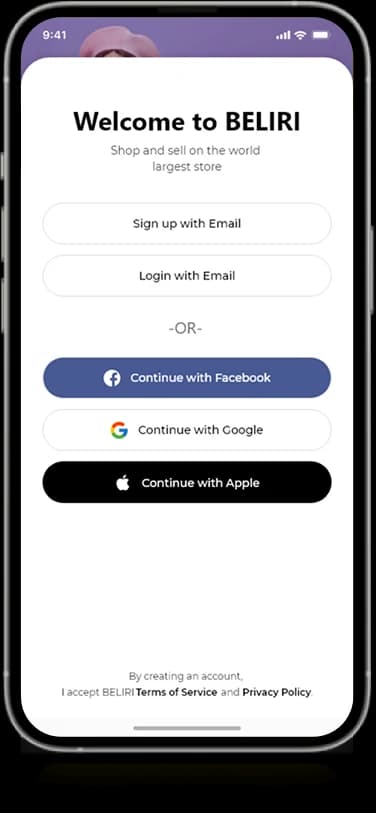
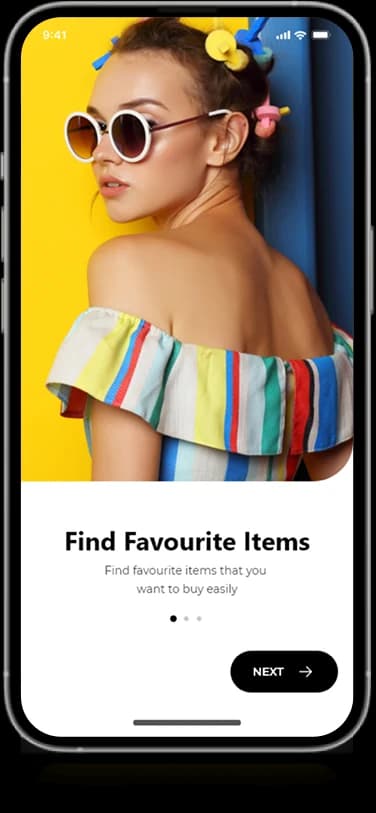
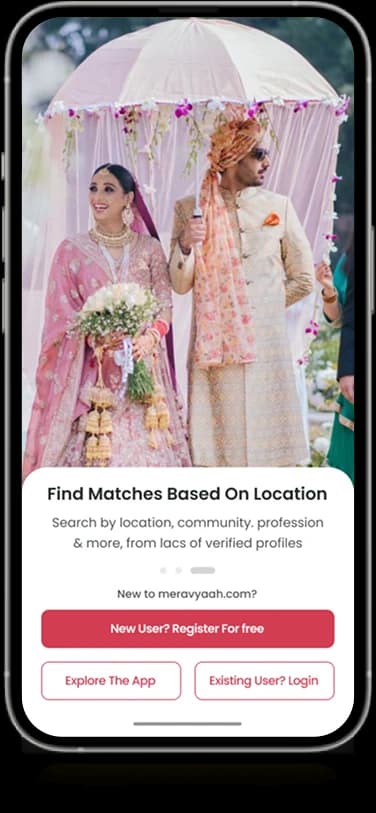
Branded entry screens connect registration with the product identity.
How people use it
Meravyaah's artwork connects the search for a profile with the information and conversations surrounding that introduction.
- 01
Set a discovery direction
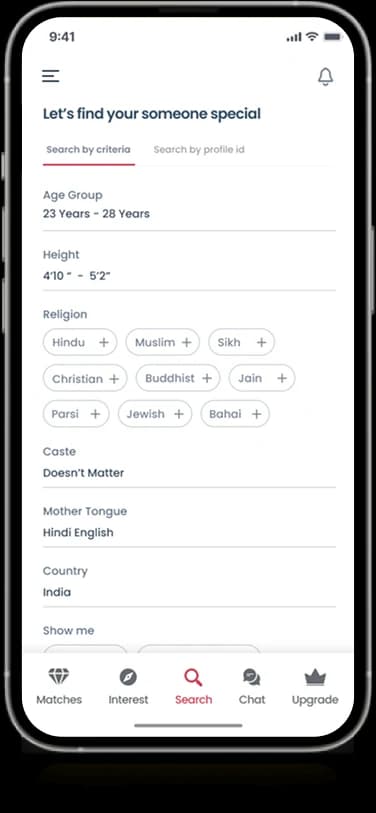
A detailed filter layout groups the preferences shown for exploring member profiles.
- 02
Review a member
Portrait-led cards give profile imagery and short personal details a shared reading surface.
- 03
Explore the conversation area
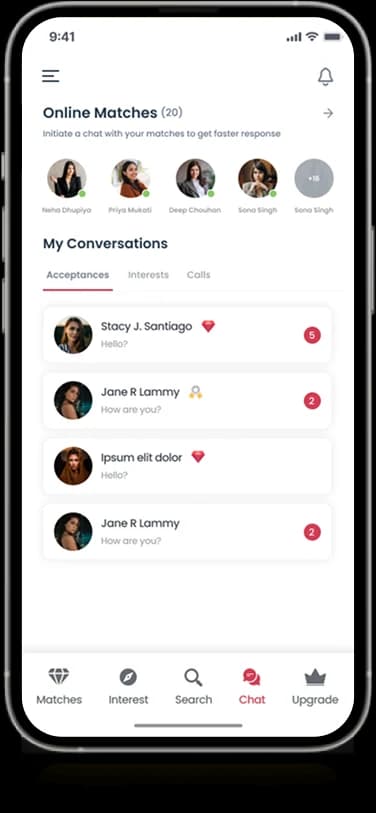
A separate people list and conversation view extend the introduction into the communication-oriented part of the design.
Balance profile discovery with personal detail.
Matrimony interfaces contain both emotional imagery and structured preferences. Meravyaah separates filters, profile cards, and conversations while using a consistent rose-and-red identity to connect them.
Preferences with grouping
Related filter fields appear within one organized information view.
Profiles as introductions
Large portraits lead the member cards without hiding the accompanying details.
A dedicated conversation surface
People and recent conversations form a quieter, list-based destination.
How it's put together
Design direction
Deep red and rose-colored surfaces create a distinct identity. Profile imagery is given generous space, with dark accent panels separating introductions and account prompts from the lighter browsing screens.
Technical perspective
Filters, member cards, and conversation lists.
The visible product structure gives preference controls, individual profiles, and communication views separate roles. These different content patterns remain connected through recurring navigation and profile identity elements across the original mobile designs.
Inside Meravyaah
Select any screen for a closer look.
Planning something similar?
Building a profile-led service? Let's connect discovery preferences with a thoughtful personal introduction.
Get a free consultation
Tell us what you need. A senior engineer replies within one working day.