Mercury Mailroom.
Web platform · Workplace operations
A workplace mailroom system for mail-piece management, delivery tracking, and organization settings.
Give every mail piece a place.
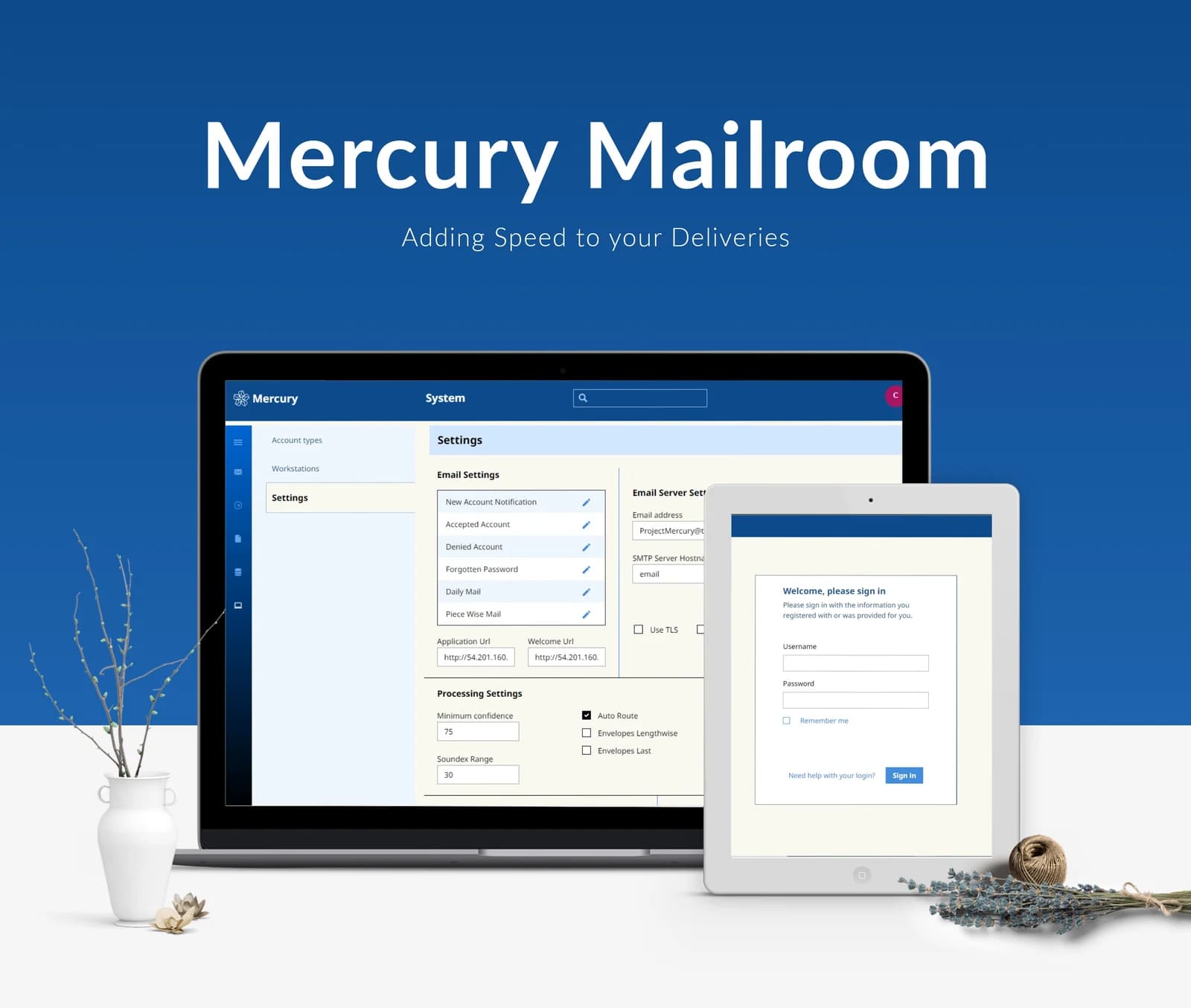
Clarigo’s Mercury Mailroom source describes managing mail pieces and tracking their delivery inside a company workspace. It identifies employee, department, location, sender, and address records, together with access permissions tied to user privileges. The supplied artwork shows a settings-focused desktop interface and an account-entry screen.
What it does
A workplace mailroom concept linking mail pieces with the organization, locations, and permissions around their delivery.
Mail-piece tracking
The published overview identifies mail-piece management and delivery tracking.
Organization records
Employee and department information form part of the described workspace.
Location information
Mail stops, workstations, and addresses support internal routing.
Access permissions
The source describes permissions based on user type or privileges.
How people use it
The published overview describes operational records, while the supplied composition shows settings and account entry.
- 01
Enter the company workspace
The account screen introduces a dedicated access point into the mailroom interface.
- 02
Organize the directory
Employee, department, location, and address records provide the described organizational context for internal routing.
- 03
Follow a mail piece
The published project overview identifies mail-piece management and delivery tracking as the central operational purpose.
Put internal delivery information in context.
A mail piece belongs to an organization, a location, and a recipient. Mercury Mailroom's described structure brings those related records into the same operational setting.
Organization-aware records
Employees and departments provide more context than an isolated recipient name.
Location details
Mail stops, addresses, and workstation information support the published internal-routing concept.
Privilege-based access
The original overview distinguishes permissions according to user type and available privileges.
How it's put together
Design direction
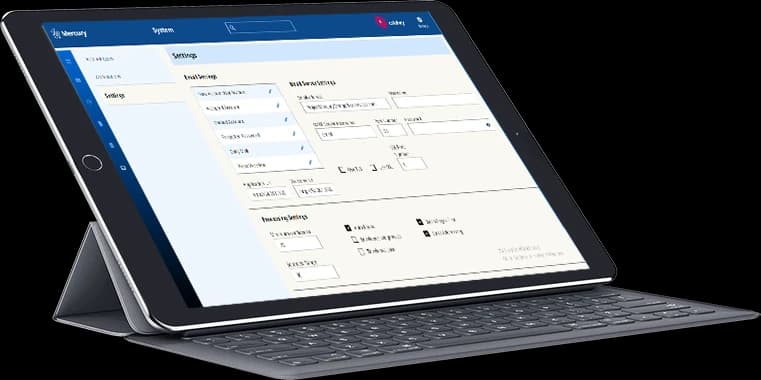
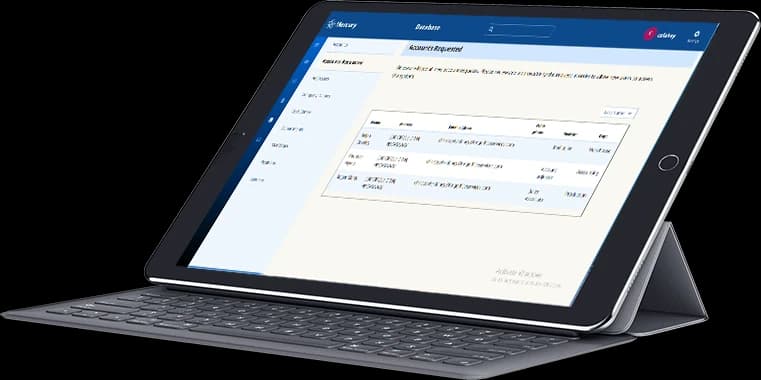
Blue navigation and a persistent left rail frame a dense settings workspace. Clearly divided panels allow configuration lists and detailed values to appear together, while a lighter sign-in screen preserves the same restrained visual identity.
Technical perspective
Related records within an operational workspace.
The published description establishes mail pieces, people, departments, locations, and permissions as related information areas. The visible settings layout supports that modular organization; no database, carrier integration, or tracking implementation is disclosed.
Inside Mercury Mailroom
Select any screen for a closer look.
Planning something similar?
Modernizing an internal workflow? Let's connect its records, responsibilities, and daily operating views.
Get a free consultation
Tell us what you need. A senior engineer replies within one working day.