Alum-connect.
Web platform · Education & services
An education website presentation combining an online-learning introduction with student service information.
A clear first step into learning.
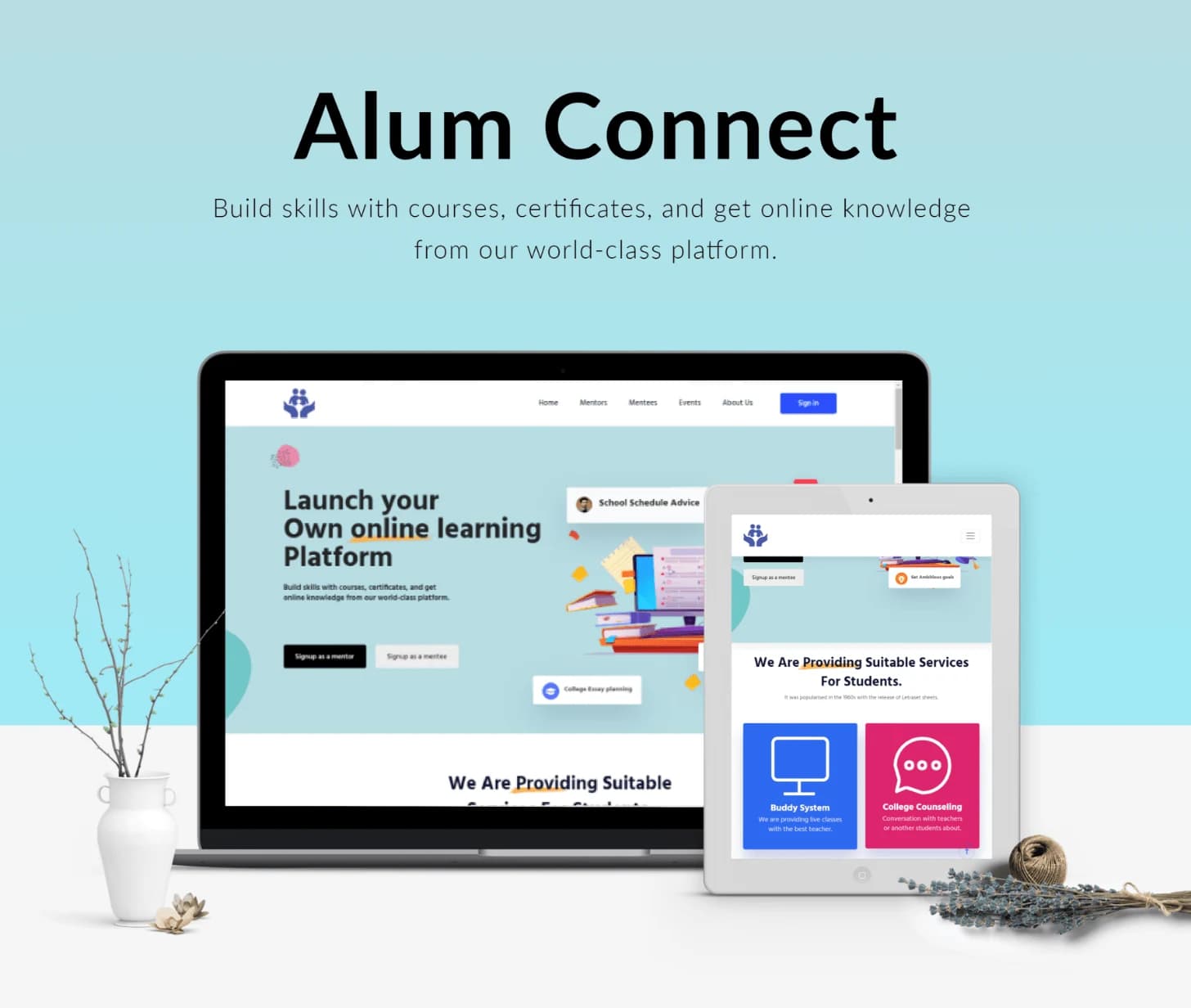
Alum Connect’s supplied designs introduce an online-learning platform and present services for students. The original artwork includes learning illustrations, a prominent introductory section, and service cards. Only the Alum Connect graphics are included here; unrelated screenshots embedded in the legacy page are excluded.
What it does
An education website connecting an online-learning proposition with student-facing services and account-oriented pages.
Learning introduction
The hero presents the platform’s education-oriented proposition.
Student services
The supplied layout includes distinct cards for student-facing services.
Information hierarchy
Headline, supporting text, and service panels establish separate reading levels.
Account navigation
A sign-in entry appears within the public website header.
How people use it
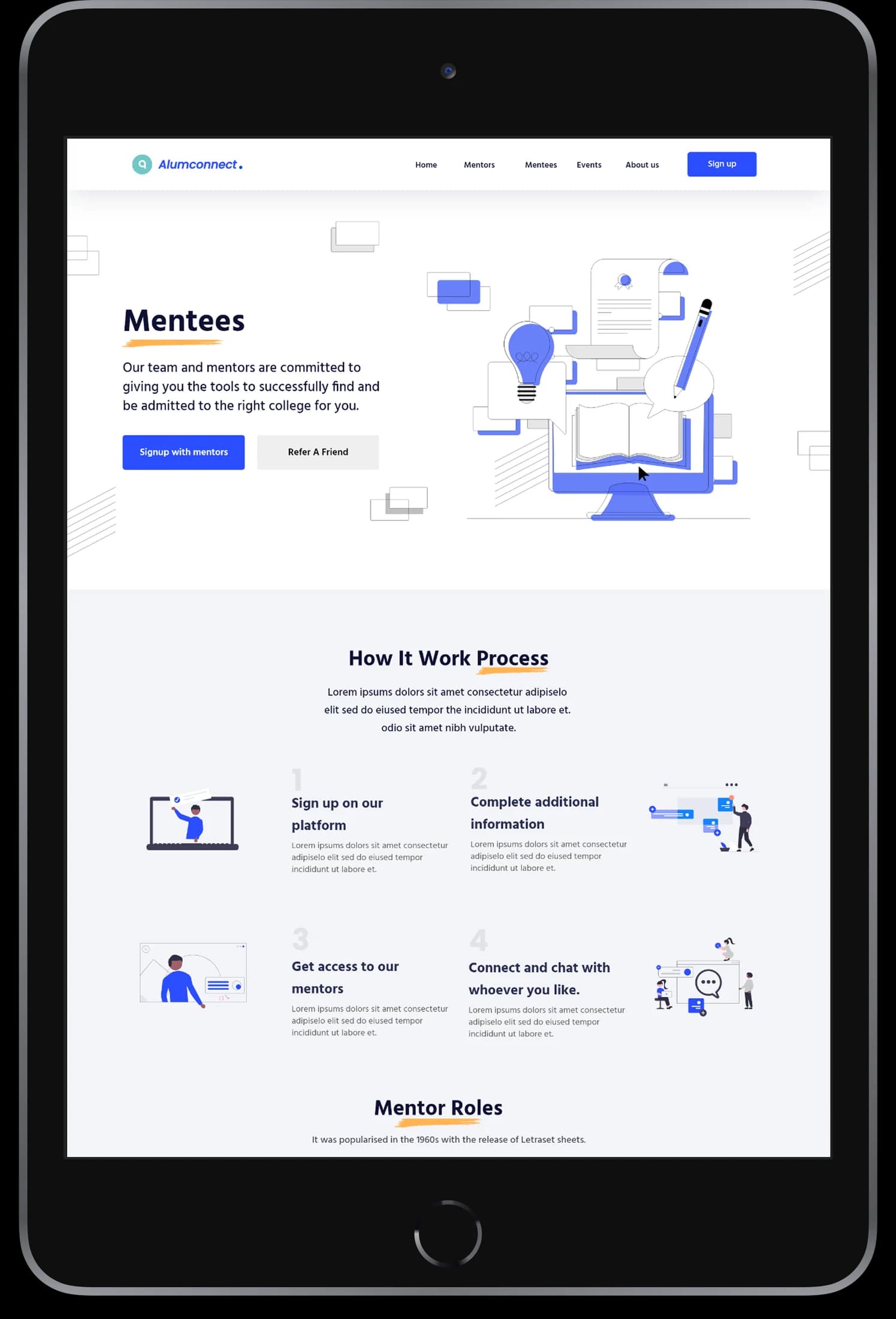
The supplied Alum Connect designs move from a public introduction toward services and the account interface.
- 01
Explore the learning proposition
A prominent illustrated hero introduces the website's education focus and main calls to action.
- 02
Review student services
Separate cards and explanatory areas organize the services shown in the original designs.
- 03
Reach account entry
A dedicated sign-in presentation provides a quieter continuation from the public-facing pages.
Keep an educational offering easy to scan.
A learning website can contain many different messages. Alum Connect's layouts use one introductory proposition, modular service information, and a distinct account entry to establish a reading order.
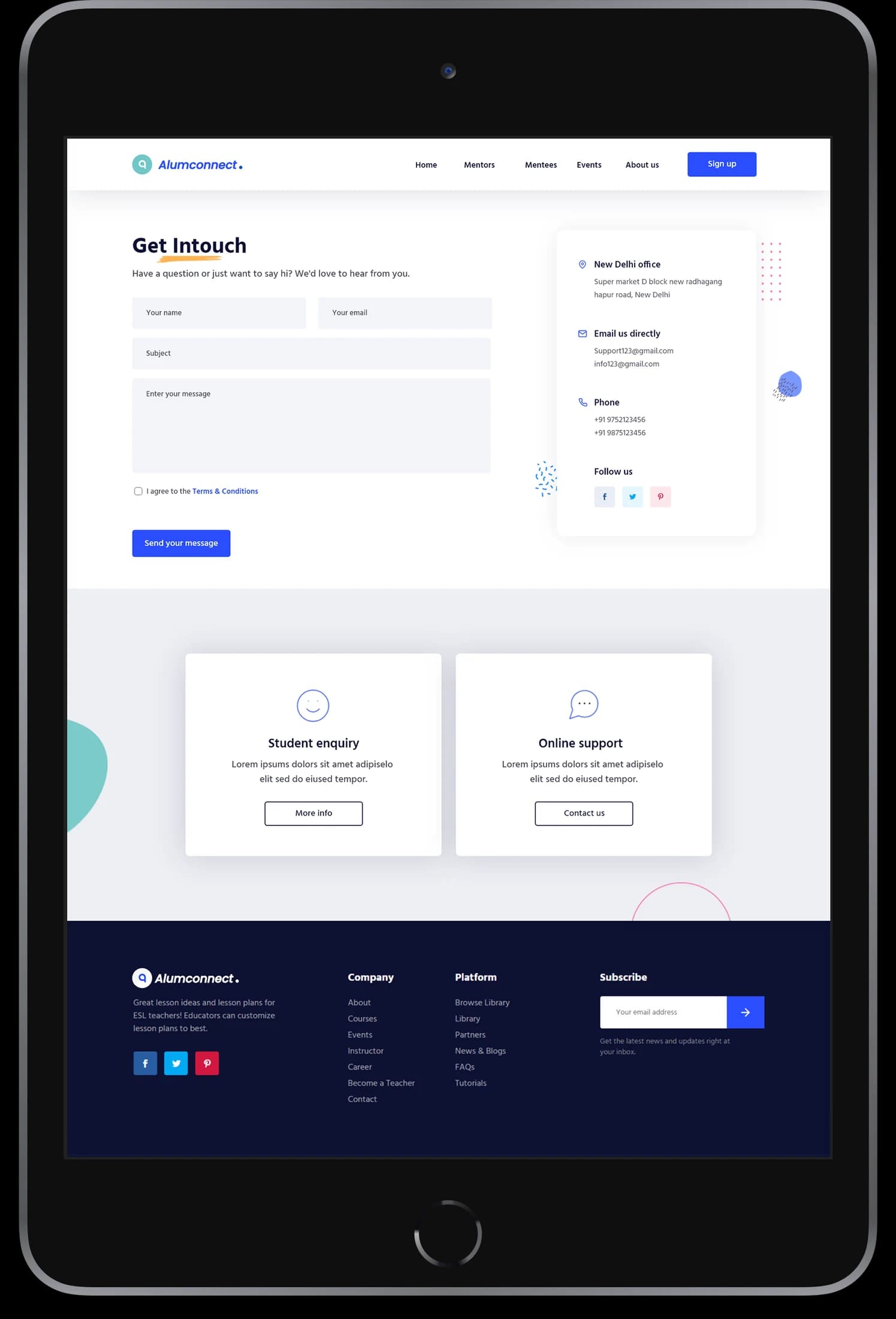
A single opening focus
The headline and educational illustration explain the visible proposition together.
Services with boundaries
Cards separate student-facing information into distinct, recognizable content areas.
A simpler account surface
The sign-in layout retains the identity while removing the density of the public pages.
How it's put together
Design direction
Aqua presentation colors, white sections, and blue-and-pink service tiles give the interface a light educational character. The visual hierarchy moves from the headline and illustration to focused service modules.
Technical perspective
Public content and account views.
The original screens distinguish educational marketing content, service modules, and account access. A shared header connects these surfaces; the source does not establish a course engine, student-record integration, or instructional delivery platform.
Inside Alum-connect
Select any screen for a closer look.
Planning something similar?
Building a learning website? Let's turn a broad educational offering into clear paths and useful information.
Get a free consultation
Tell us what you need. A senior engineer replies within one working day.