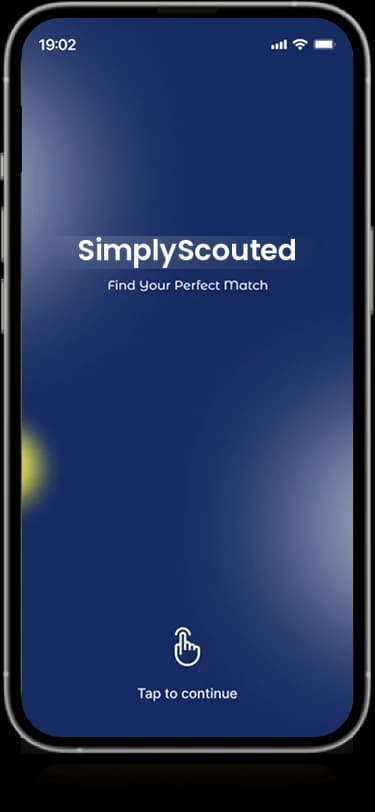
SimplyScouted.
Mobile app · Sports recruitment
A sports-recruitment app presentation with athlete profiles, college-team discovery, portrait cards, and account introductions.
Put people at the center of discovery.
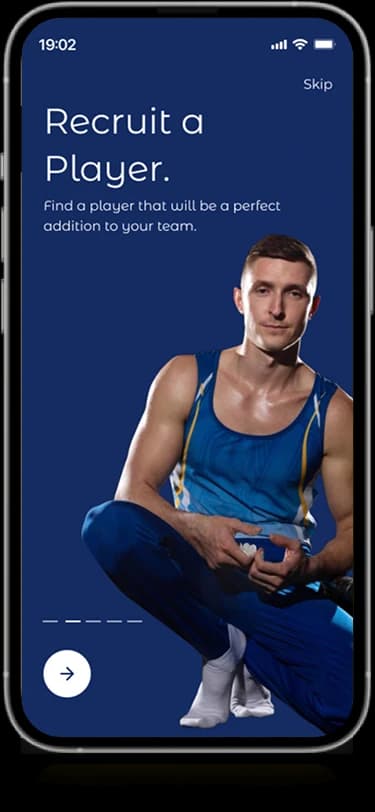
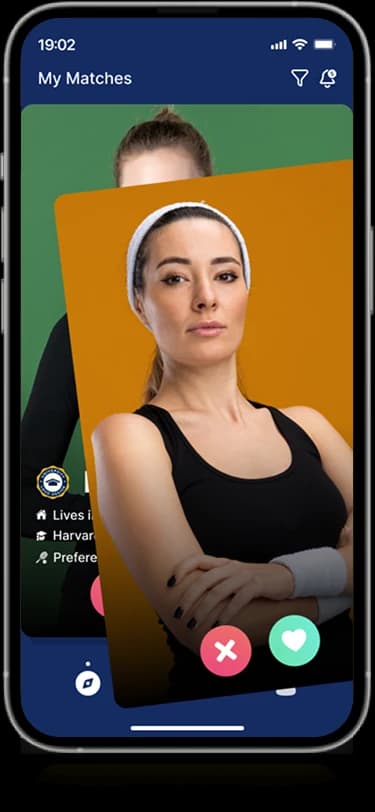
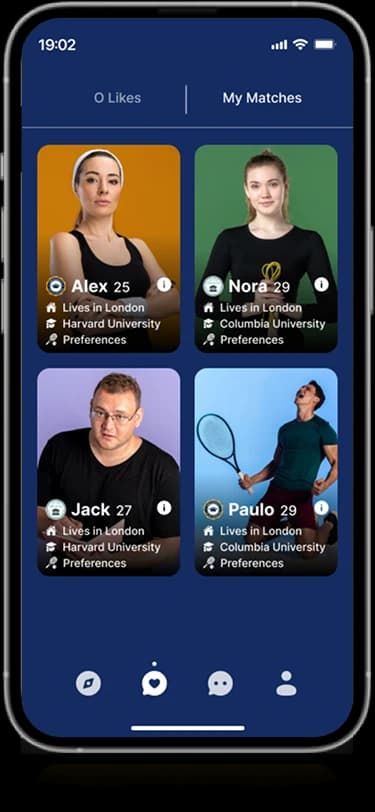
SimplyScouted’s original designs introduce two sports-oriented intentions: recruiting a player and finding a college team. Portrait-led discovery cards combine people with compact profile information and interest controls. Single-profile and multi-profile screens provide different browsing densities, while the introductory sequence establishes the athletic recruitment context.
What it does
A sports-recruitment presentation built around athlete profiles, college-team discovery, and compact profile actions.
Athlete discovery
Portrait-led cards introduce people within the sports-recruitment presentation.
Profile information
Dedicated views pair photographs with the personal details displayed about each profile.
Audience introductions
Original screens distinguish recruiting a player from exploring college-team opportunities.
Compact profile actions
Prominent interest controls and smaller navigation elements sit beside the main profile content.
How people use it
The original introduction distinguishes recruiting a player from finding a college team before the profile-led views.
- 01
Choose a recruitment direction
Introductory screens establish player recruitment and college-team discovery as the product's visible audience paths.
- 02
Explore the profiles
Portrait-led cards show people alongside short information and prominent interest controls.
- 03
Review a closer view
Profile details and multi-card screens provide different ways to inspect the people shown in the interface.
Give sports recruitment a people-first interface.
An athlete profile needs both a human introduction and structured information. SimplyScouted uses large portraits while keeping the main controls and compact profile details close at hand.
Audience-specific introductions
Player and college-team messages clarify the different starting intentions.
Portraits with context
Profile cards pair a recognizable person with the short details displayed about them.
Two browsing densities
Single-profile and multi-profile views offer distinct ways to inspect the same visual content type.
How it's put together
Design direction
Deep navy gives the mobile brand a strong frame. White information panels contrast with large portraits, and short controls keep the discovery interface focused. The visual treatment remains consistent from the welcome screen to the profile views.
Technical perspective
Profile discovery with distinct entry paths.
The screen set establishes onboarding, profile cards, profile details, and compact action states. It does not identify matching logic, recruiting integrations, or verified athlete eligibility; the technical perspective stays with the visible interaction structure.
Inside SimplyScouted
Select any screen for a closer look.
Planning something similar?
Designing a recruitment product? Let's connect a clear audience journey with an informative profile experience.
Get a free consultation
Tell us what you need. A senior engineer replies within one working day.