InfiScribe.
Mobile app · Document capture & files
A document-scanning app presentation with camera capture, file organization, a document preview, and account access.
From paper to a personal document space.
InfiScribe’s original artwork connects paper-document capture with a personal file workspace. A camera-oriented screen outlines the document being captured, while file lists and recent-document cards organize the surrounding library. Dedicated previews give a captured page a separate reading surface, with compact controls positioned around the document.
What it does
A document-focused mobile workspace with camera capture, file organization, account entry, and a dedicated document preview.
Document capture
An original camera composition shows a document boundary and a focused capture control.
File library
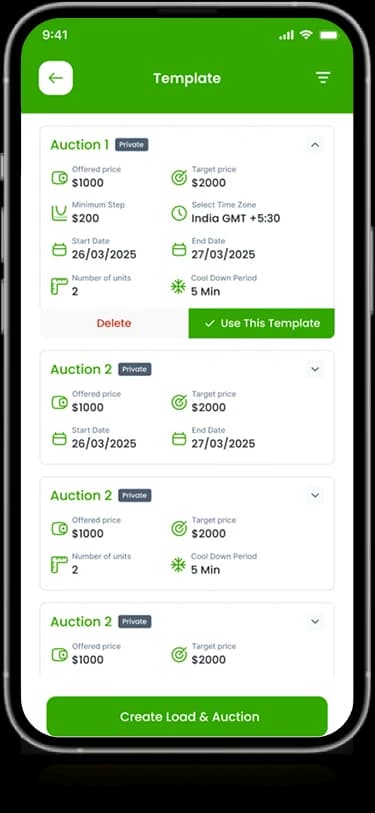
Recent-document cards and list views organize files in the personal workspace.
Document preview
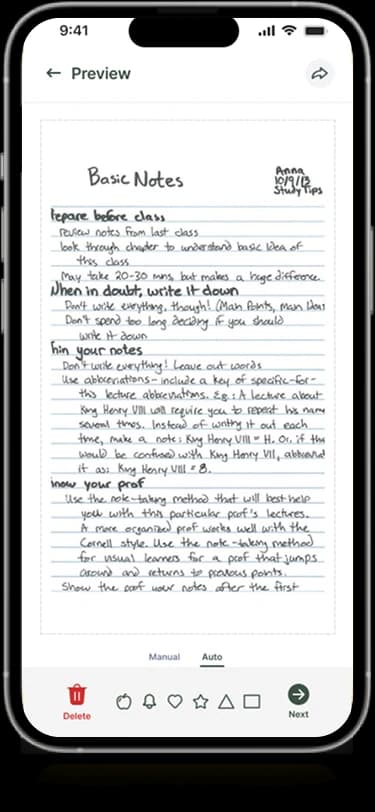
A separate reading surface presents the page with compact supporting controls.
Account entry
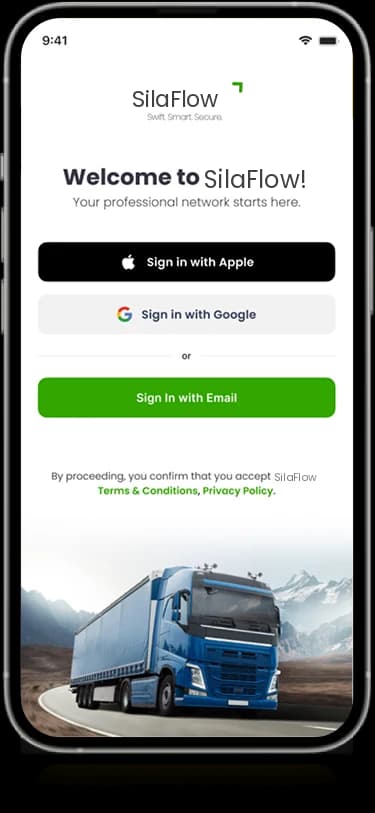
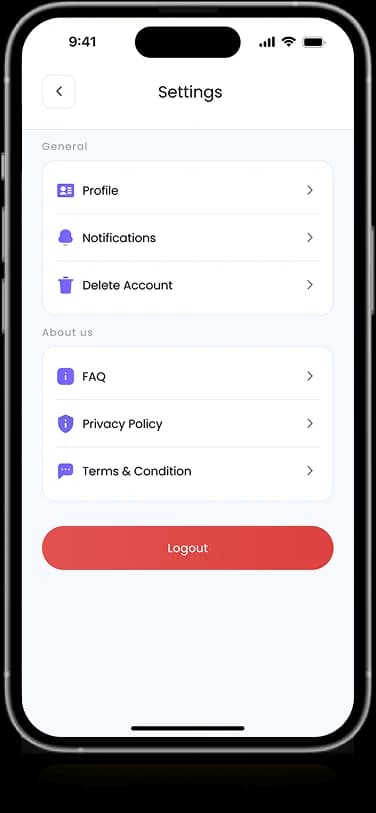
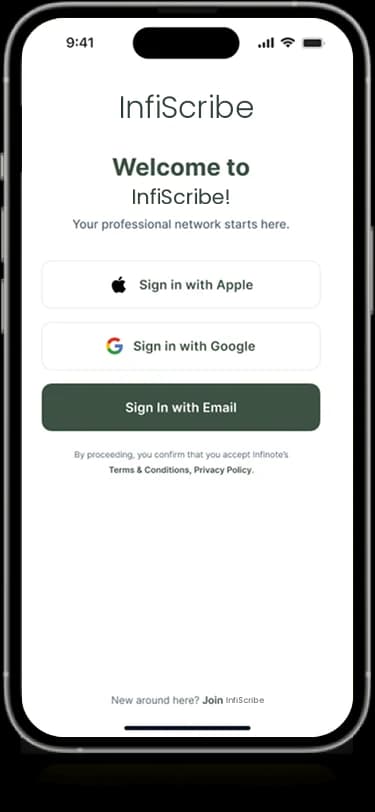
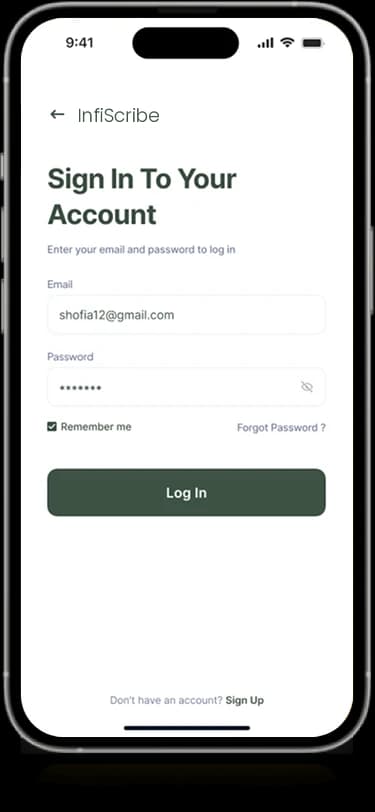
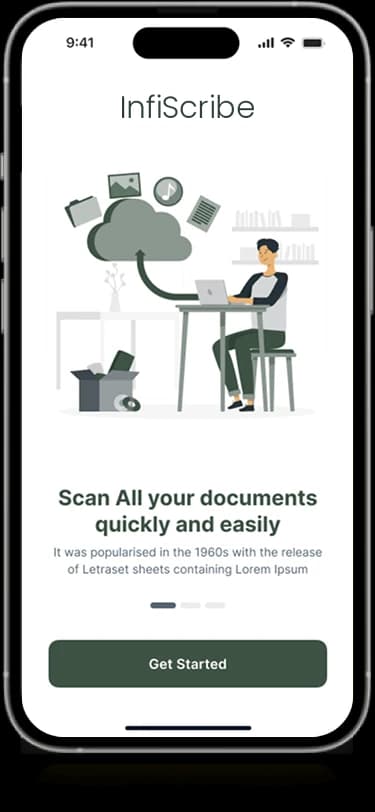
Welcome and sign-in screens carry the same green identity into the entry journey.
How people use it
InfiScribe's artwork connects capturing a paper document with finding and reviewing it inside a personal file space.
- 01
Enter the file workspace
The welcome and account layouts introduce a restrained green interface for personal documents.
- 02
Capture a document
The original capture composition shows a camera view and a boundary around a paper document.
- 03
Review the file
A dedicated preview displays the captured page with a compact row of document-oriented controls.
Connect paper capture with a readable file space.
A scanning interface has different priorities from a document library. InfiScribe separates the focused camera view from file lists and page previews while retaining a consistent visual identity.
A focused capture surface
The document boundary and camera control make the capture view visually distinct.
Files in an organized space
Lists and recent-file cards give captured information a place beyond the camera screen.
A separate reading view
The preview keeps the document itself central and moves controls to a compact supporting bar.
How it's put together
Design direction
Forest green and light neutral surfaces create a restrained frame for paper and document content. The capture view emphasizes the page boundary, while the library uses smaller rows and cards. A largely white preview keeps the document itself visually central.
Technical perspective
Capture, library, and preview states.
The source shows document capture, file organization, and preview as separate interface states. It does not establish OCR accuracy, storage encryption, file synchronization, or a scanning library, so those capabilities are not inferred from the designs.
Inside InfiScribe
Select any screen for a closer look.
Planning something similar?
Building a document tool? Let's connect capture, organization, and reading through a coherent interface.
Get a free consultation
Tell us what you need. A senior engineer replies within one working day.