Printlific.
Web platform · Photography & commerce
A photo-printing storefront presenting personalized wall art, product formats, and image-led inspiration.
From a photograph to a printed piece.
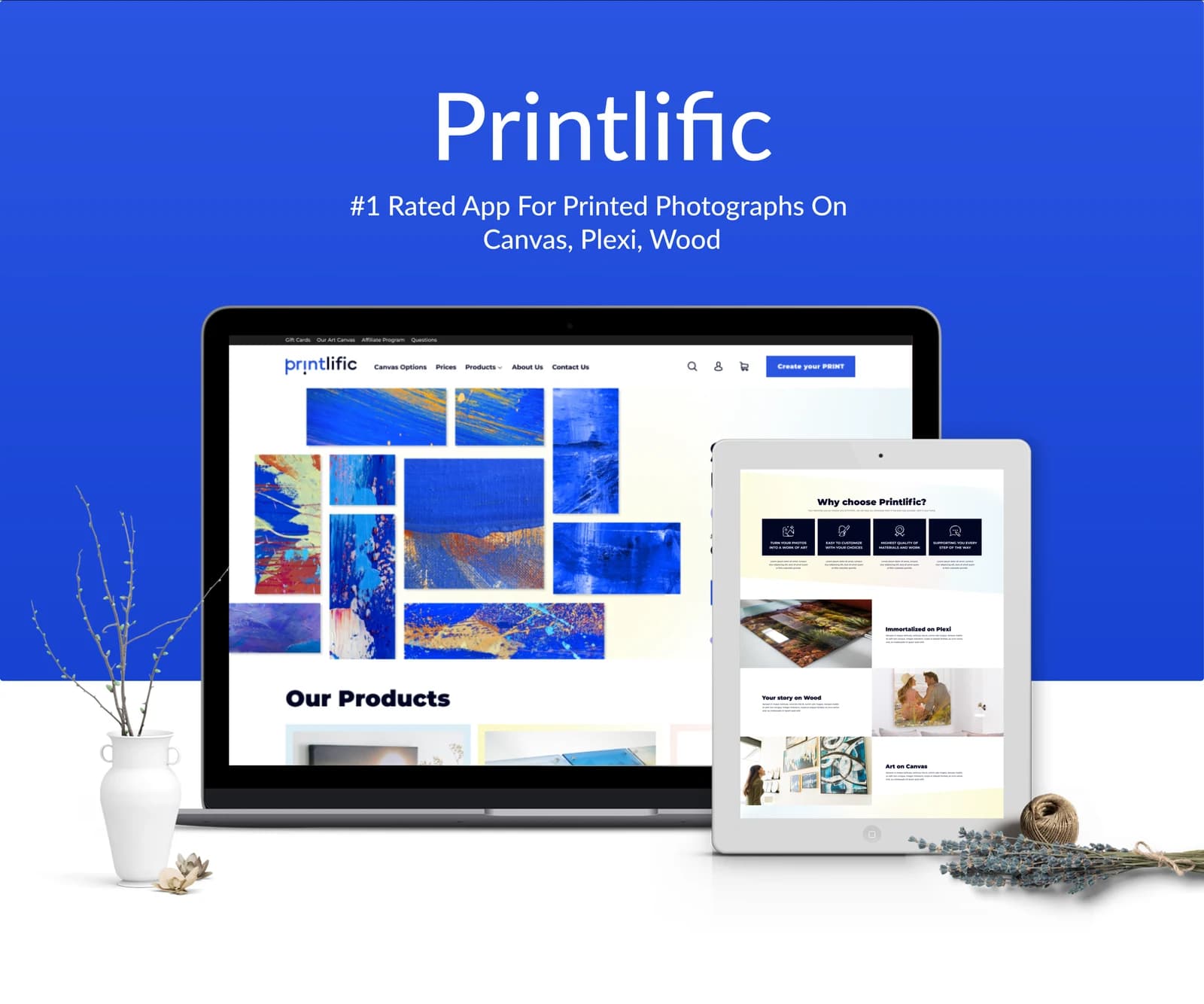
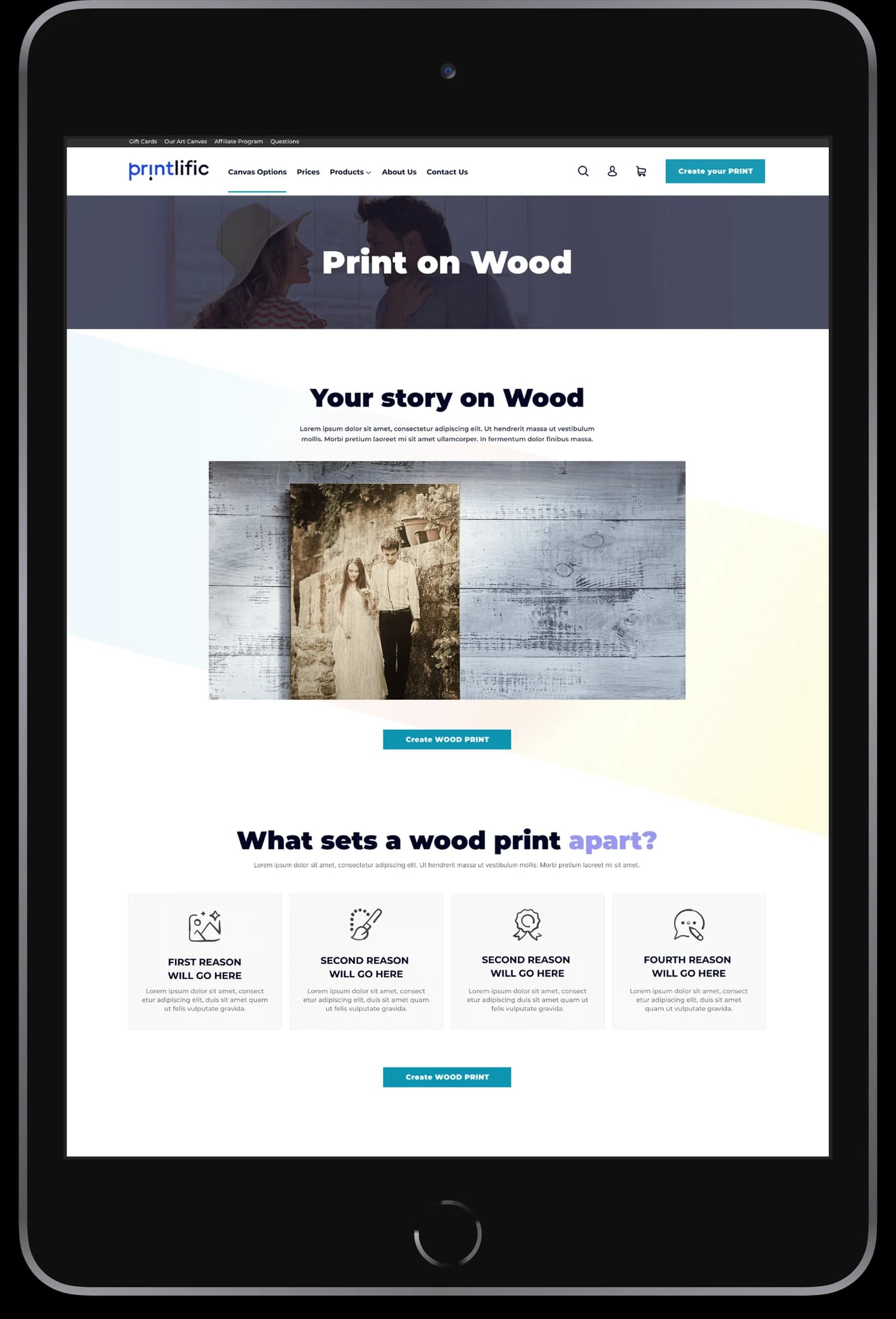
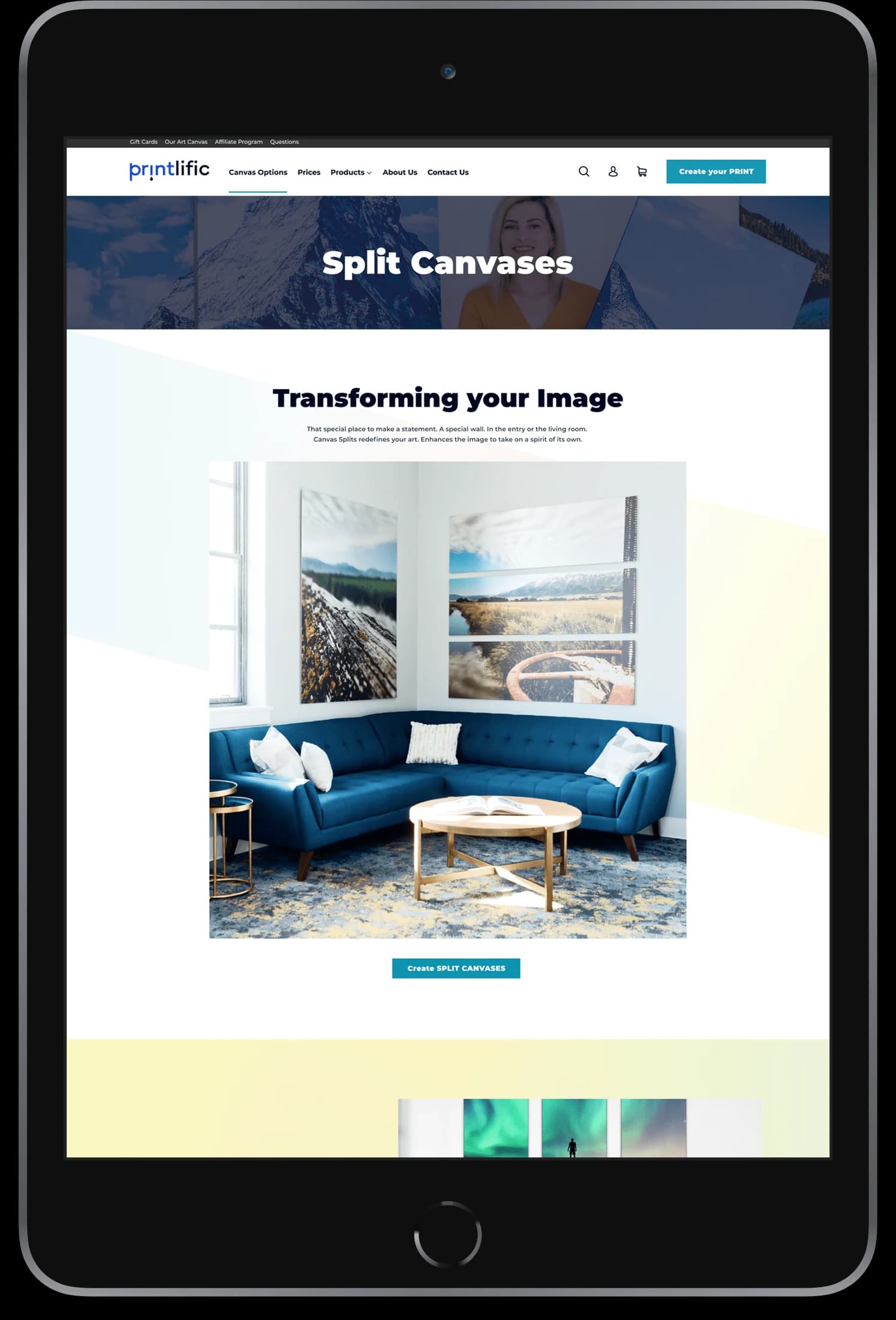
Printlific’s web artwork introduces printed photographs on materials including canvas, plexi, and wood. Product imagery and galleries explain the offering visually, with clear calls to create a print. Its desktop layouts connect creative inspiration with the product-selection side of a printing service.
What it does
A photo-printing storefront that explains physical print formats through materials, finished examples, and creation entry points.
Print formats
The presentation identifies multiple materials for printed photographs.
Create-a-print entry
A prominent action provides an entry point to the personalization flow.
Product showcase
Photographic examples show prints in their intended physical context.
Storefront sections
Product and service information sit within a consistent shopping layout.
How people use it
The original website connects a photograph's creative potential with the practical choice of a print format.
- 01
Explore the formats
Compare the website's presentations of canvas, wood, framed prints, and other displayed product formats.
- 02
See the finished piece
Review large product photographs showing prints in a physical setting and at different scales.
- 03
Begin a creation
Use the visible creation entry points after finding the product format that suits the photograph.
Make a physical product understandable online.
The same photograph can look different on wood, canvas, or inside a frame. Printlific's layouts use finished examples and format-specific sections to explain those choices visually.
Materials made visible
Dedicated product sections show each print format through imagery rather than relying on names alone.
Inspiration with context
Room and product compositions demonstrate how the finished piece might be displayed.
A clear creation entry
Prominent actions connect product browsing with the next stage of personalization.
How it's put together
Design direction
Rich blue, white space, and a compact header frame the artwork. Large image compositions demonstrate the physical product, while modular product sections make different print formats easy to compare visually.
Technical perspective
A product system organized by print format.
Format pages reuse a recognizable storefront structure while changing the product examples and supporting information. The visible architecture distinguishes product discovery from personalization without establishing the underlying print-production or checkout systems.
Inside Printlific
Select any screen for a closer look.
Planning something similar?
Turning personal media into a product? Let's make the available formats and creation journey easy to understand.
Get a free consultation
Tell us what you need. A senior engineer replies within one working day.